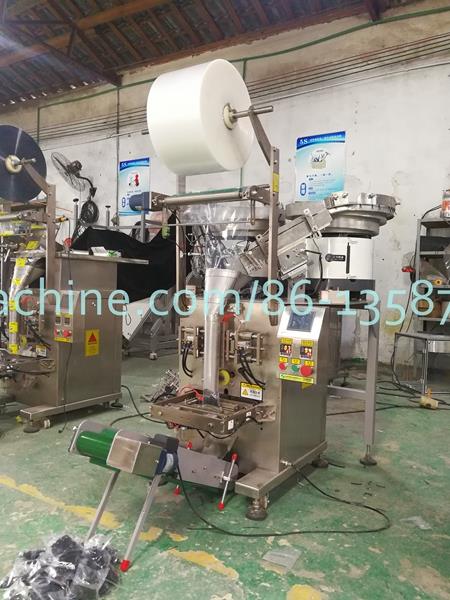
A, Power On
Wait a few minutes after the machine is turned on, and wait for the horizontal temperature control value and the temperature control value of the printer to meet the set requirements before packaging.

B, parameter setting
The setting of the output, the number of times of the mold induction (the proximity switch is sensed to the mold), the setting of the package, the setting bar after the name to be set, and the setting bar are entered, and the setting is set according to the production requirements. Once set, click OK and exit automatically.
Click the parameter setting button to enter the setting of the host parameter setting, bag pulling speed, pull bag length, blanking time, sealing time, no film time, etc., according to the specific site conditions and packaging requirements.
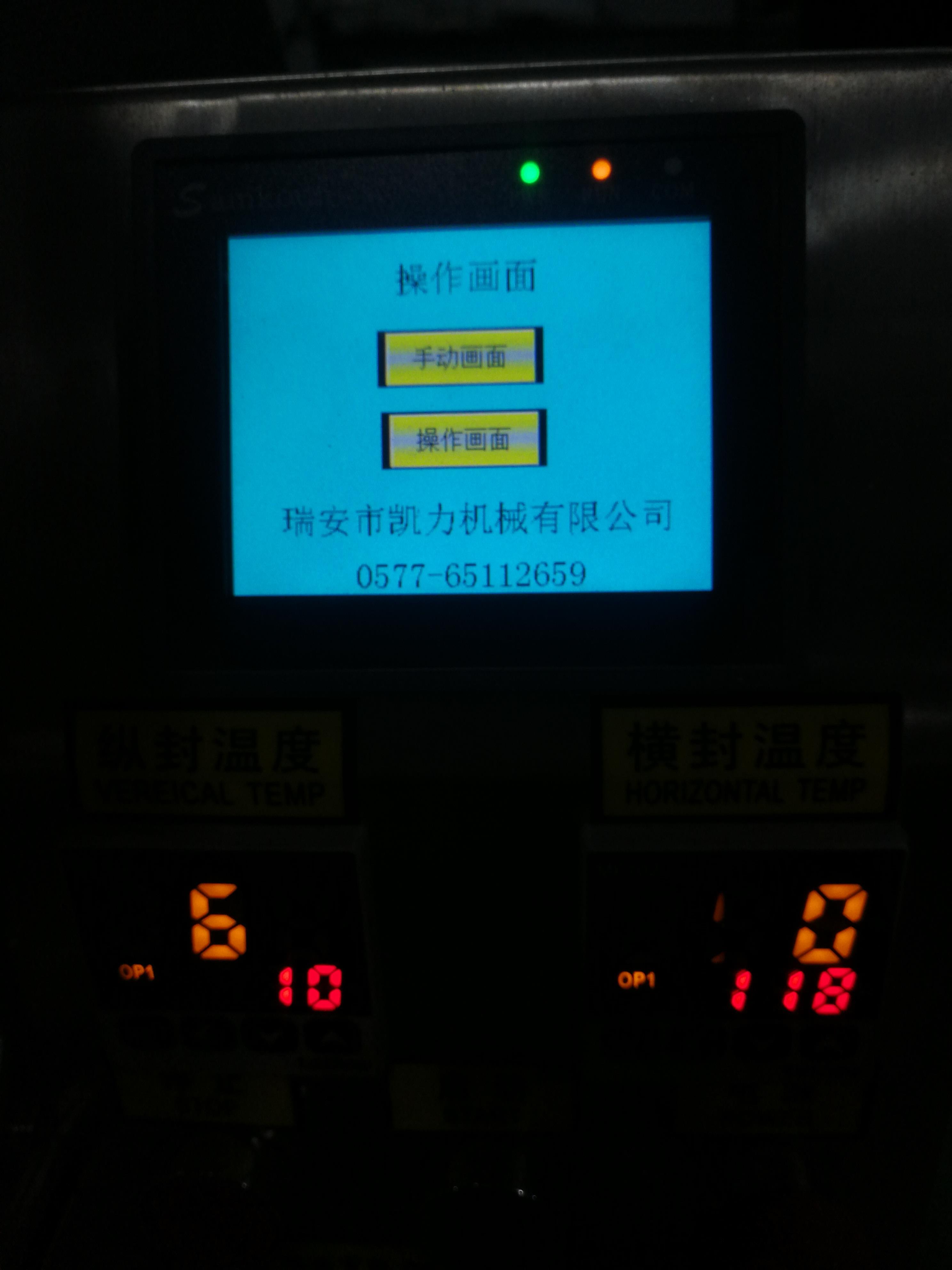
C, start
. Check that the electrical equipment and conveyor equipment around the machine are connected and in working condition.
The parameters and temperature of the thermostat must meet the requirements.
Click the Auto button to put the button in the current state of the automatic state, and then click Start to auto-package.

D, adjust the machine manually
If manual adjustment is required (eg changing the membrane), clicking the Auto button to switch to manual will then take effect.